
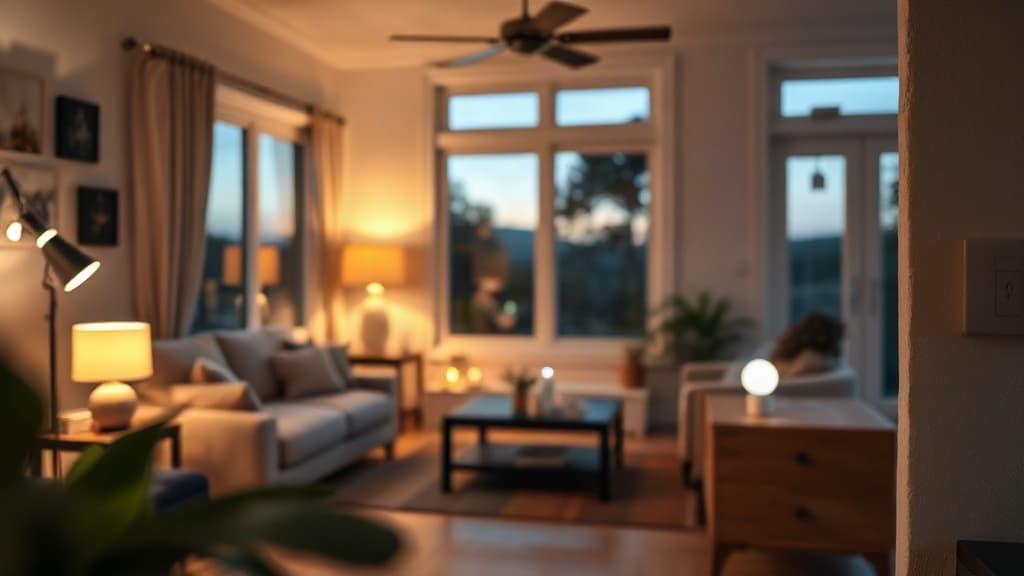
Smart home devices often draw power even when they appear off. Smart bulbs typically use less than 1 watt in standby, while hubs and voice assistants consume a few watts continuously. Understanding these loads helps you estimate the true running costs of your connected home.
Why Smart Devices Never Fully Switch Off
Smart home equipment needs to remain on standby to receive commands from your phone or voice assistant. A smart bulb listens for instructions even when the light is off. A smart plug waits for your app to send a power-on signal.
This standby state draws a small but continuous amount of electricity. The Australian Government Department of Climate Change, Energy, the Environment and Water notes that the energy consumption of a home automation system will add to your standby power load.
The power draw varies by device type and connectivity technology. Wi-Fi devices typically consume more standby power than Thread or Zigbee alternatives because maintaining a Wi-Fi connection requires more energy.
Smart Bulbs and Lighting Controllers
Smart lightbulbs generally draw less than 1 watt when switched off through their app or automation. That equates to roughly 9 kilowatt-hours per year per bulb if left plugged in continuously.
A house with ten smart bulbs on standby would add about 90 kWh annually from the bulbs alone. At typical Australian electricity rates, that represents a few dollars per year per bulb.
Smart light switches and dimmers also maintain a constant draw to power their wireless radios and microcontrollers. The exact figure depends on whether the switch uses Wi-Fi, Zigbee, or another protocol.
What About Smart Hubs and Controllers?
Smart hubs use a few watts continuously according to research from Renew magazine. A hub acts as the central coordinator for Zigbee, Z-Wave or Thread devices, so it must remain powered at all times.
A typical smart hub drawing 3 watts continuously would consume about 26 kWh per year. Voice assistants like Google Assistant, Siri and Alexa devices also run constantly, using anywhere from 2 to 6 watts depending on the model and whether the screen is active.
These devices cannot be switched off without losing their core function. The Australian Government notes that smart assistants can be the central hub of a smart home and control devices using voice commands, which requires constant power.
How Much Do Smart Plugs Use?
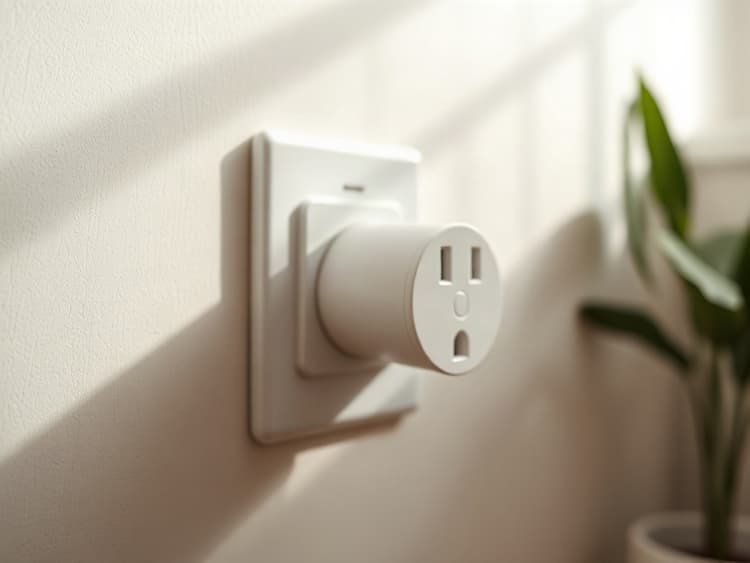
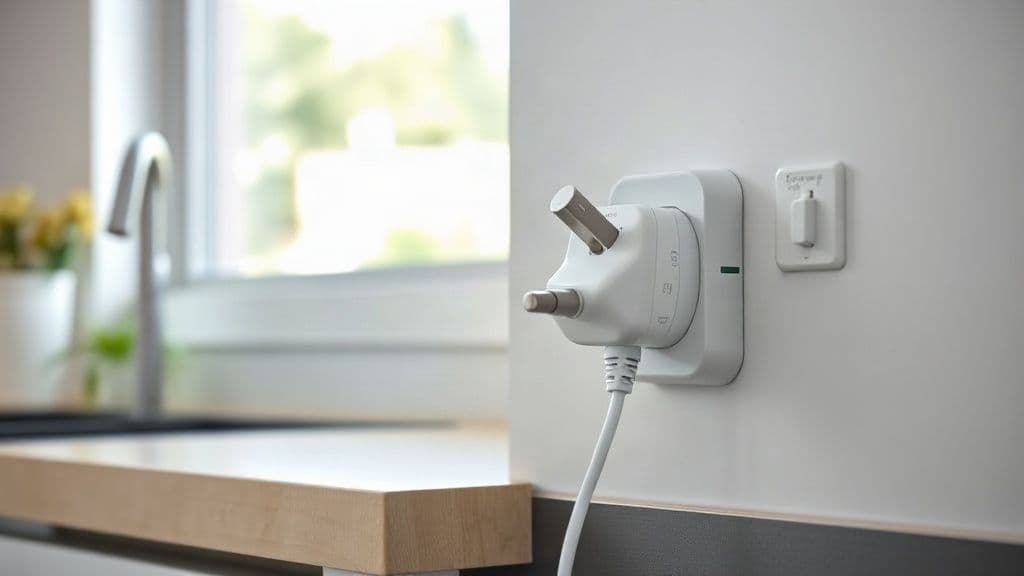
Smart plugs themselves draw power to maintain their wireless connection and run internal electronics. Wi-Fi smart plugs typically consume between 1 and 3 watts when idle, even when the connected appliance is switched off through the app.
The TP-Link HS110 Smart Wi-Fi Plug operates on 2.4GHz wireless and has a maximum load of 10A and 2.3KW for 230V Australian power. It requires continuous power to maintain its connection and respond to commands from Amazon Alexa, Google Assistant or the mobile app.
The TP-Link Tapo P110 smart plug operates on 2.4 GHz WiFi and is rated for 220-240V with a maximum load of 2300W and 10A. It includes energy monitoring that tracks the power consumption of connected devices, but the plug itself also draws standby power.

TP-Link Tapo P110 Smart Plug with Energy Monitoring
Best for: Renters and households wanting to see what individual plug-in appliances draw, using Alexa, Google Assistant or SmartThings without buying a hub
What we like
- TP-Link lists an Australian plug rated 220-240V with a 10A, 2300W maximum load, carrying RCM and SAA certifications
- Real-time energy monitoring in the Tapo app, with bill estimates based on single or time-of-use electricity rates, according to TP-Link
- No hub required, per TP-Link's setup instructions
- TP-Link says it adds overload protection and can switch off when draw passes a threshold you set
- Two-year TP-Link Australia warranty for smart power products bought from an authorised retailer
Worth knowing
- 2.4GHz Wi-Fi only, according to TP-Link's specifications
- The standard P110's Australian page does not list Matter or Apple Home support; that is the separate P110M
- Energy figures are estimates from the app; TP-Link publishes no accuracy figure on its Australian product page
Does Connection Type Make a Difference?
The wireless technology used by a smart device significantly affects its standby power consumption. Wi-Fi devices typically draw more power than Thread, Zigbee or Z-Wave alternatives.
The Eve Energy smart plug uses Matter over Thread technology and is described as far more energy efficient than Wi-Fi smart plugs. Thread is a low-power mesh networking protocol designed specifically for smart home devices.
Eve Energy is rated AC 100-240V 50/60 Hz with a maximum load of 10A and 2300W, fitting standard Australian Type I sockets. It operates locally with no cloud connection, no registration and no tracking, and works with Matter-compatible platforms including Apple Home, Google Home, Amazon Alexa and SmartThings.
Reducing standby power is one reason to consider Thread or Zigbee devices if you are building a large smart home network.
Security Cameras and Doorbells
Wired smart security cameras and video doorbells draw power continuously. They need electricity to run the camera sensor, processor, wireless radio and often infrared LEDs for night vision.
A typical smart camera uses between 2 and 6 watts when idle and significantly more when actively recording or streaming. A doorbell camera usually falls in the same range, though models with always-on displays consume more.
Battery-powered cameras avoid adding to your electricity bill but require regular recharging or battery replacement, which has its own inconvenience and environmental cost.
Do Smart Thermostats and Sensors Add Much?
Smart thermostats draw a few watts continuously to power their display, processor and wireless connection. Many models are designed to be powered from existing thermostat wiring, so the load appears as part of your heating and cooling system rather than a separate plug.
Wireless temperature, humidity and motion sensors typically run on batteries and do not add to your mains electricity consumption. They wake periodically to take readings and transmit data, then return to sleep mode.
Contact sensors for doors and windows operate similarly, using coin cell batteries that may last a year or more depending on how frequently the sensor triggers.
Can Smart Switches Actually Save Energy Overall?
The Australian Government notes that while standby power of smart devices can be substantial, the energy savings they can achieve will generally exceed the additional energy they use.
Smart plugs can convert conventional appliances into smart appliances allowing remote control. More importantly, smart power strips can automatically cut power to appliances not in use, avoiding unnecessary energy waste from standby power in devices like televisions, game consoles and computer peripherals.
A gaming console on standby may draw 10 to 15 watts continuously. Using a smart plug to fully disconnect it when not in use can save more energy than the plug itself consumes.
How Smart Plugs and Energy Monitors Can Cut Your Australian Power Bill explains how to use these devices to reduce overall household consumption.
What Are the Hidden Loads Around Your House?
Many conventional appliances consume energy in standby mode even without smart features. Older devices can be particularly wasteful, according to AGL, consuming extra energy even when you think they are off.
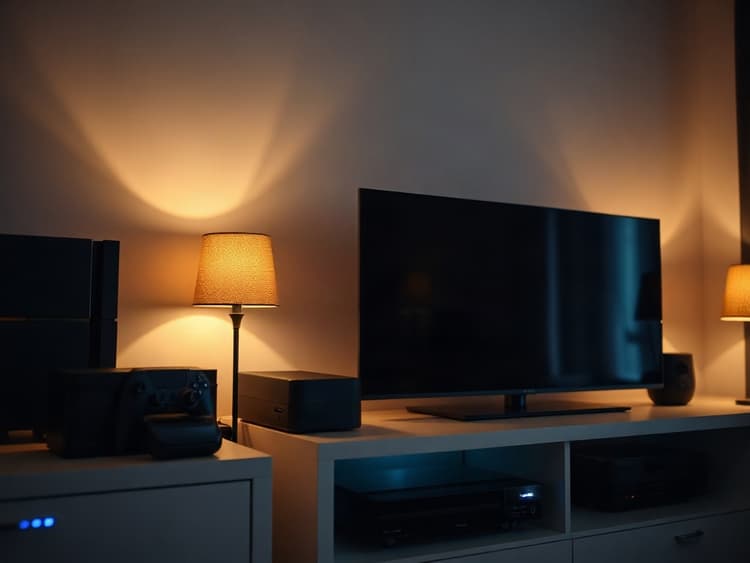
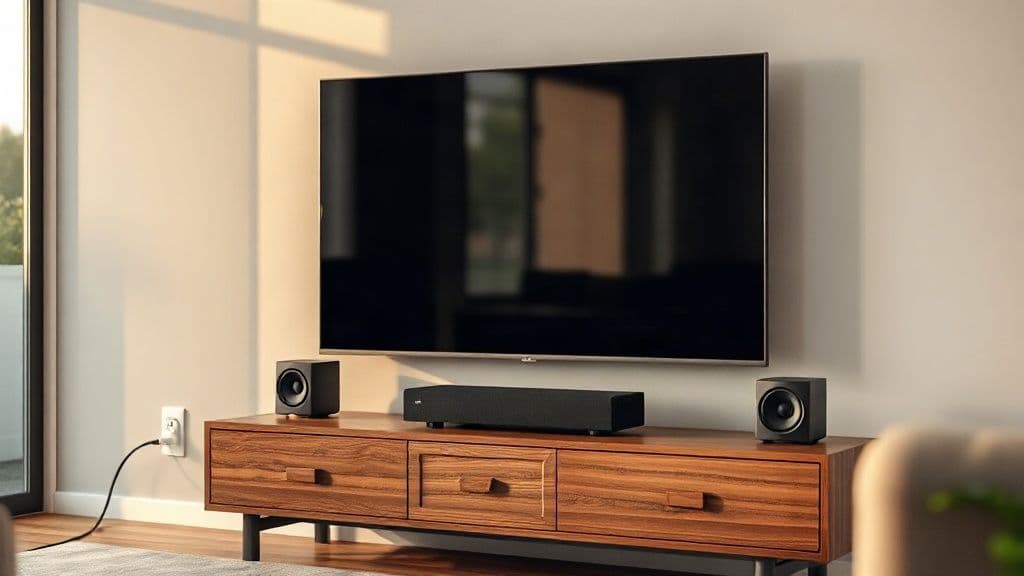
Televisions, set-top boxes, game consoles, printers, microwave ovens with digital displays, and audio equipment all contribute to standby power consumption. Adding smart plugs to these devices introduces a small additional load but gives you the control to eliminate their standby draw entirely.
Standby Power: Which Appliances Cost the Most to Leave On? provides detailed information about conventional appliance standby consumption.
Measuring Your Actual Smart Home Load
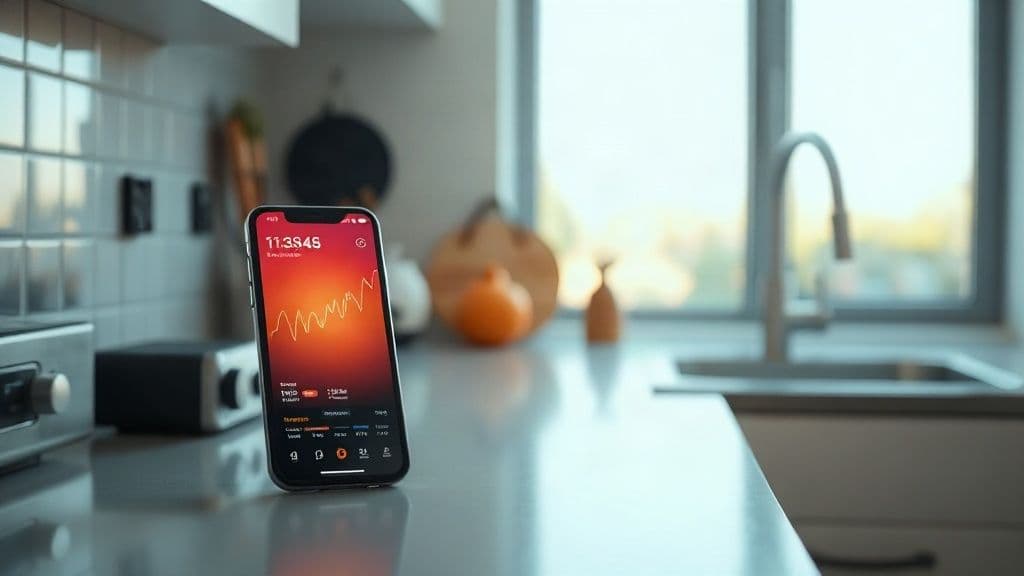
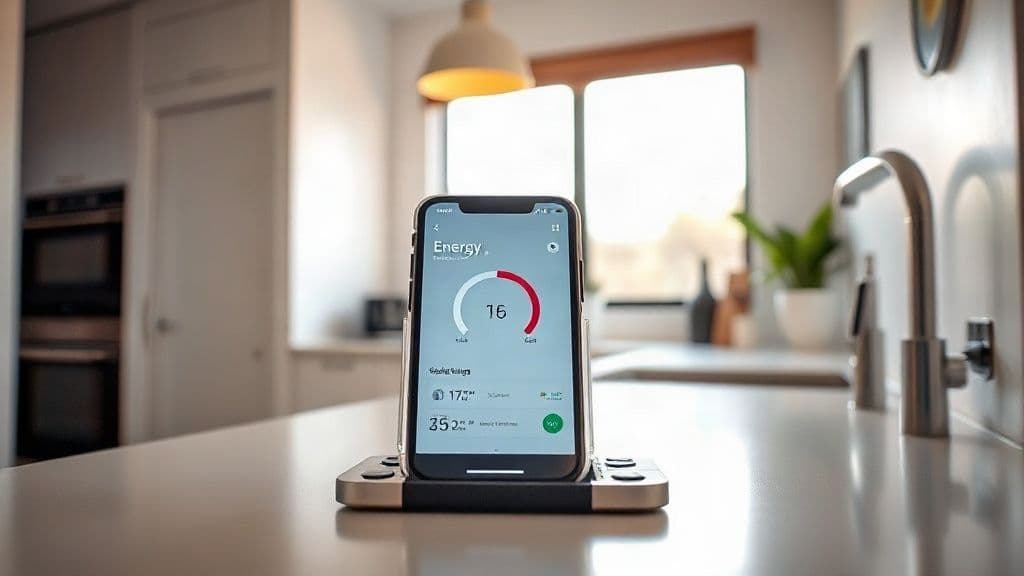
Energy monitoring smart plugs let you measure the power consumption of individual devices. The TP-Link Tapo P110 includes energy monitoring that tracks energy use of connected devices through the mobile app.
You can use a monitoring plug to measure the standby draw of a smart hub, voice assistant or any other always-on smart device. Plug the device into the monitoring smart plug, then check the app after 24 hours to see the daily consumption.
Multiply the daily figure by 365 to estimate annual consumption, then multiply by your electricity rate to calculate the yearly cost. This gives you real figures for your specific devices rather than estimates.
Should You Unplug Smart Devices When Away?
For short absences, the inconvenience of unplugging smart home devices outweighs the minimal savings. A smart hub drawing 3 watts costs about 1 cent per day to run.
For extended absences of several weeks or months, unplugging non-essential smart devices makes more sense. You will need to leave any devices connected to security systems, but entertainment-focused smart devices can be disconnected.
Remember that unplugging a smart hub will also disable any automation routines or sensors that depend on it. Battery-powered sensors will continue to log data locally but cannot send alerts without the hub connection.
What About Smart Power Boards?
Smart power boards with multiple outlets and USB charging ports add convenience but also contribute to standby power consumption. The board itself draws power continuously to run its wireless radio and any USB charging circuits.
Standard power boards with physical switches let you cut power to multiple devices at once without any standby draw from the board itself. This is often a better choice for equipment you want to disconnect completely overnight or when not in use.
If you do use a smart power board, look for models that allow individual outlet control so you can leave essential devices powered while switching others off.

One Beat Power Board with USB C,Travel Powerboard with 1.2M Extension Cord
Best for: Travellers and cruise passengers needing a compact multi-device charging solution without surge protection
Making Smart Choices About Smart Device Power
The standby power consumption of smart home devices is real but relatively modest for most households. A typical smart home setup with a hub, ten smart bulbs, five smart plugs and two voice assistants might add 150 to 300 kWh per year.
That represents roughly 10 to 20 dollars annually at average Australian electricity rates. The savings from using smart plugs to eliminate standby power in conventional appliances, or from automating lights and heating, can easily exceed that amount.
Prioritise energy efficiency when choosing smart devices by looking for Thread or Zigbee options where available, and use Wi-Fi devices only where necessary. Consider whether each device genuinely adds value or whether a simple physical switch would serve you better.
Sources
- Australian Government Department of Climate Change, Energy, the Environment and Water - Smart Homes
- Renew Magazine - Small Loads That Add Up
- TP-Link Australia - HS110 Smart Wi-Fi Plug
- Tapo Australia - P110 Mini Smart Wi-Fi Socket
- Smart Home Australia - Eve Energy Matter Smart Plug
- AGL - Avoid Paying Extra for Standby Power
Comments
Leave a comment